The following procedure explains how to select an image to display as part of a CygNet Facility Alarm Tool. When you associate a CygNet Facility Alarm Tool with an image, the image displays as the CygNet Facility Alarm Tool.
Note: Only .jpg, .bmp, .ico, and .dib file types are supported by this tool.
To Select an Image
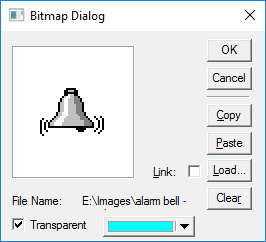
Note: A linked image is accessed from the file system each time the screen is opened. To link, all users of the screen must have read access to the image's storage location. If the source is unavailable, an  is shown in its place on the screen. Linking can reduce the size of the CygNet Studio file. The amount of reduction depends upon the number of images on TheView and the size of the images. With just a few images the difference might be slight, so you might want to do a comparison before selecting one method over the other. Embedding the image is the recommended method for most screens. When the image is embedded, it is saved with the screen. Embedding the image in the TheView makes the file self-contained.

|
|
|

